
I came across an issue today which had me stumped for a while. I had configured Aria Operation for Logs to use Active Directory authentication as per the Broadcom documentation here.
I added the Aria Operations for Logs Administrators group with the Super Admin role as per the requirements.
However, when I tried to log in with my domain user account, which is a member of the Aria OPerations for Logs administrators group in AD, I was getting an ‘Invalid credentials or account is locked’ error message.
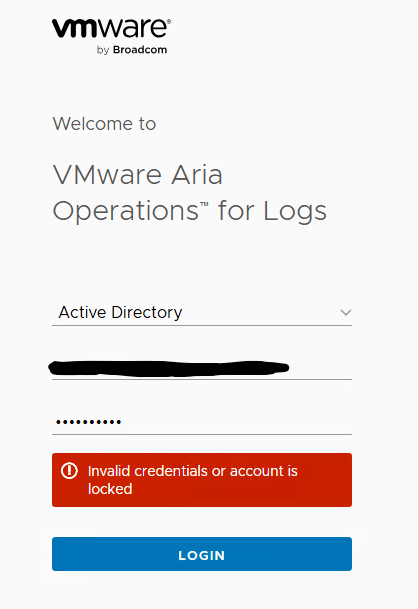
I validated that the credentials were correct and the correct AD group was added with the correct role, however I could not log in with my AD account.
As a test, I added my user directly with Super Admin role, which allowed a successful login. So, I knew that Aria Operations for Logs was failing to parse the user from the group membership.
In this particular environment, my user is part of an overall administrators group, which was added as a nested group to the Aria Operations for Logs administrators group. I was not aware before today, that Aria Operations for Logs, by default, only allows user with direct membership of a group to log in to the product (that is, users that are part of nested groups will not be discovered). The Broadcom KB that describes this behaviour is here:
https://knowledge.broadcom.com/external/article?legacyId=2079763

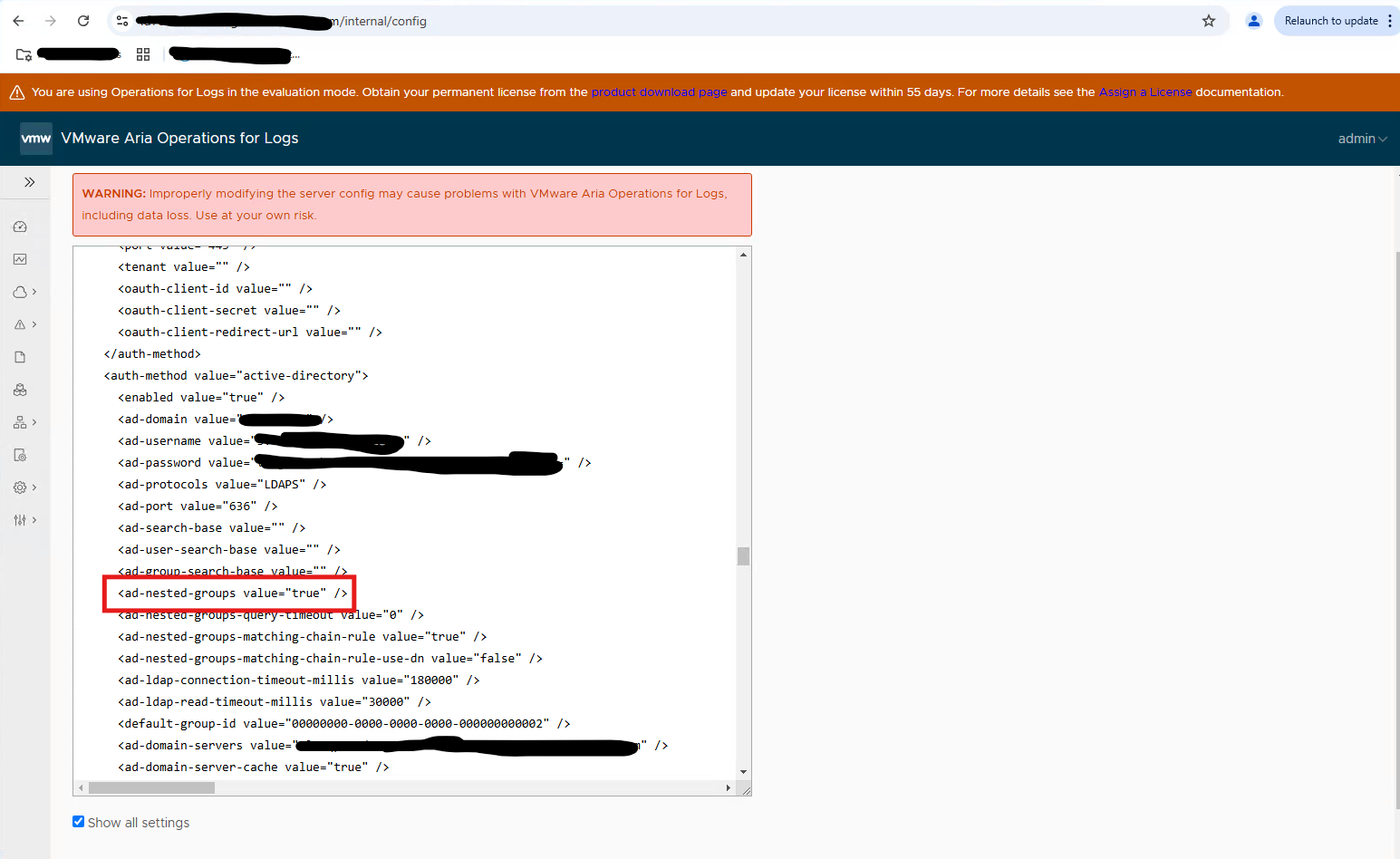
To change this default behaviour to allow users from nested groups to be discovered by Aria Operations for Logs, you must change this value through a special URL which presents an XML representation of the configuration of Aria Operations for Logs at https://<FQDN_of_Aria_Operations_for_Logs>/internal/config.
(See the screenshot below)
Procedure
- Log in to the configuration URL at https://<Aria_Operations_for_Logs_FQDN>/internal/config
- Tick the check box Show all settings below the XML pane.
- Locate the section in the XML panel called
<auth-method value="active-directory>. - Edit the line
<ad-nested-groups value="false" />to<ad-nested-groups value="true" />. - Click SAVE.
- Open an SSH session to each appliance and run the command
service loginsight restart. (make sure to the service to fully restart on each node before proceeding to the next node)
Once these steps were implemented, I was able to log in using my AD credentials based on group membership alone, even though I was only a member of a nested group.
 theVirtualPaddy